

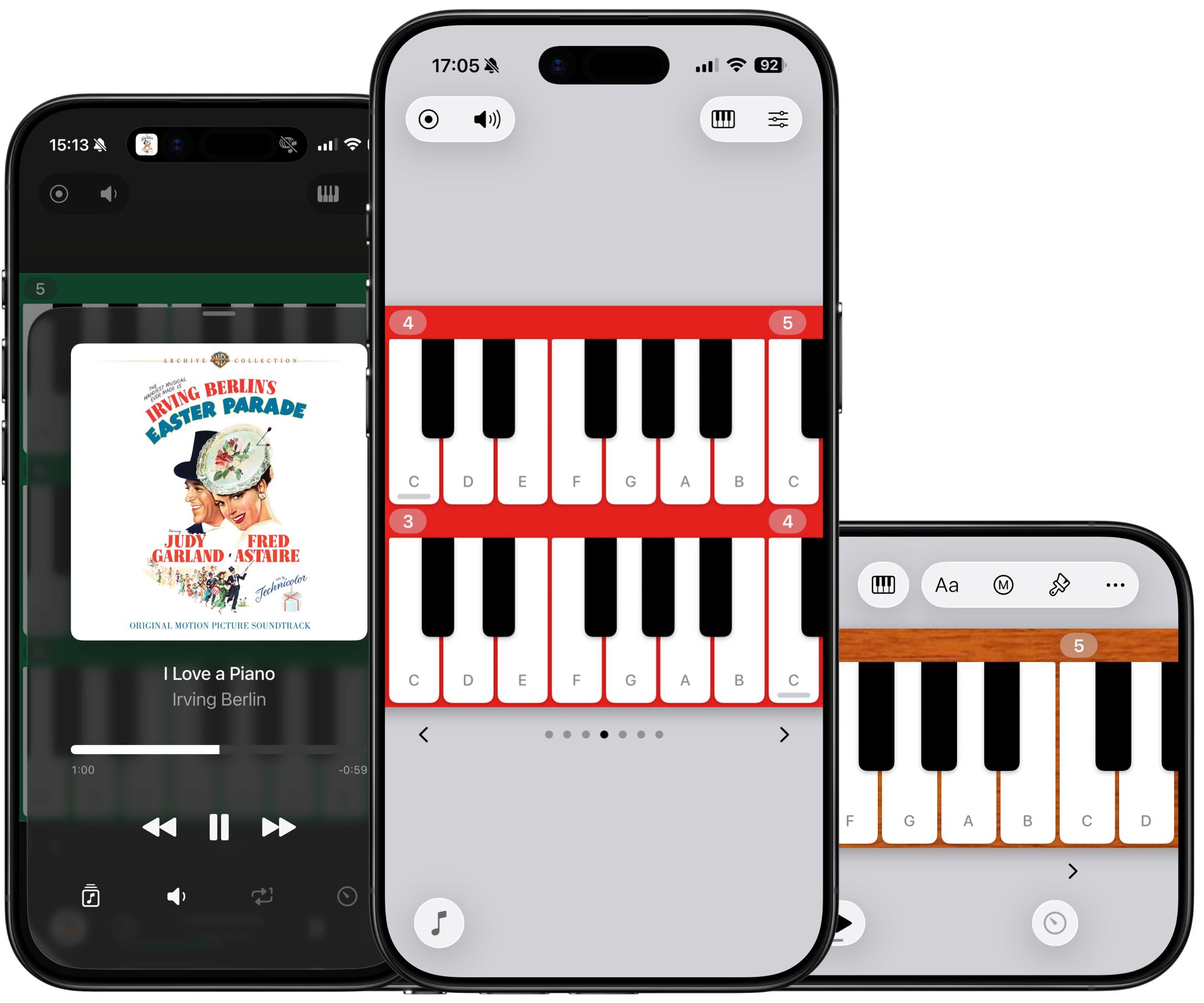
Your musical companion.
$4. No ads. No subscriptions.

Watch the video
“Rhapsodize”
Fast to open. Easy to use. Fun to play.
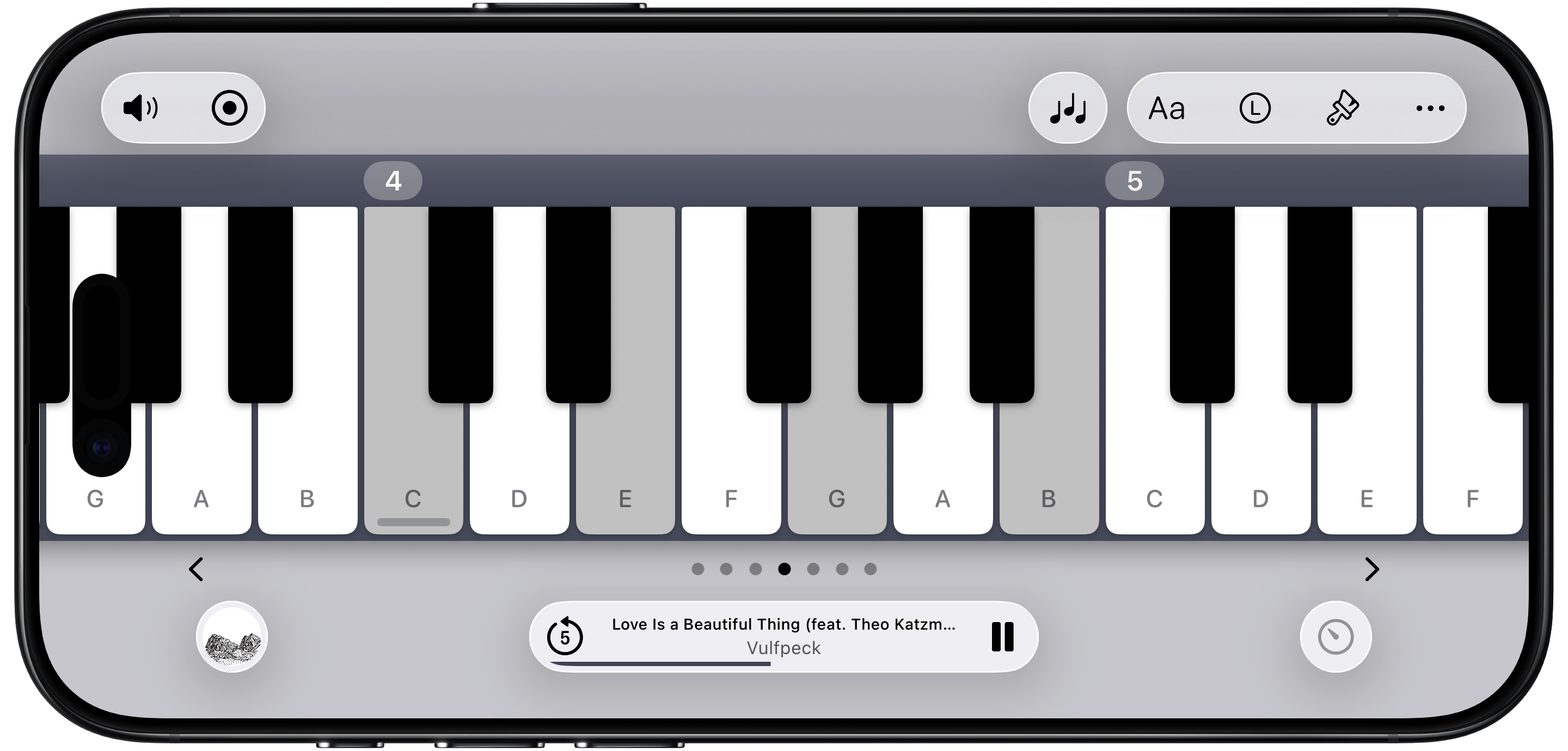
Get right into your musical flow.
Seamless rotation.
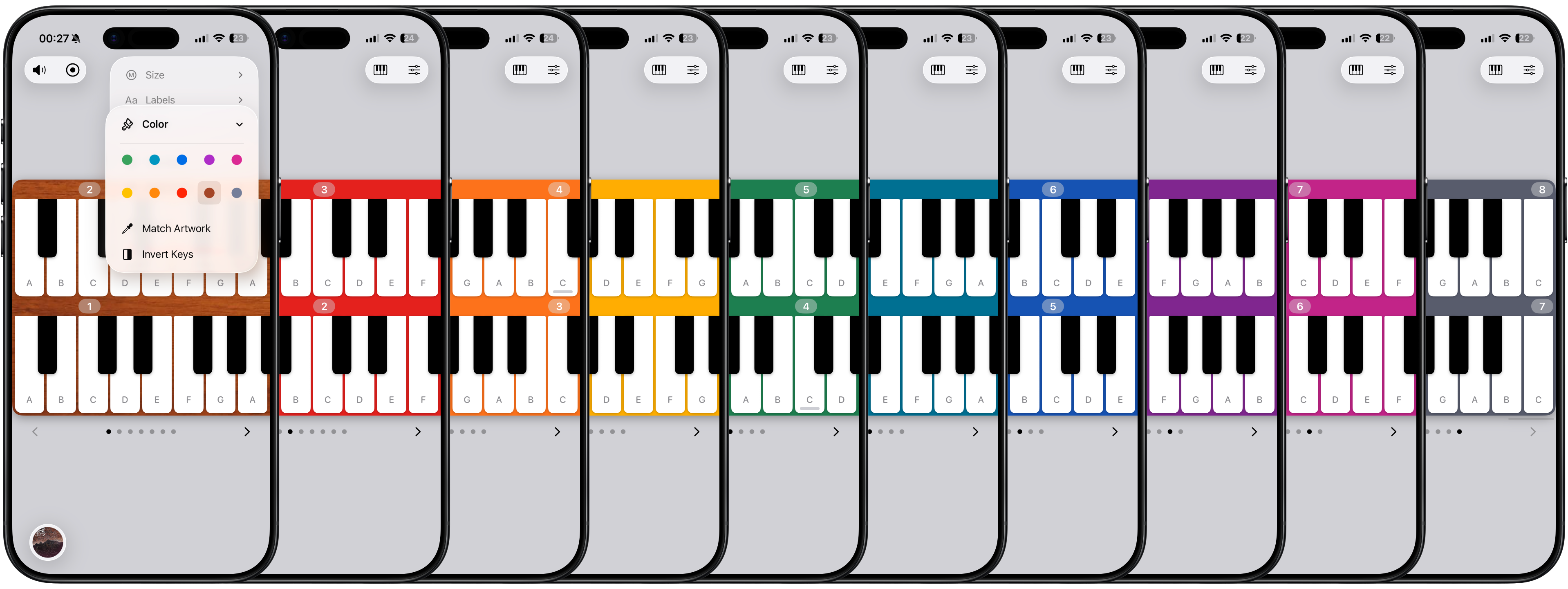
MultiPiano: a scrollable stack of continuous keyboards.
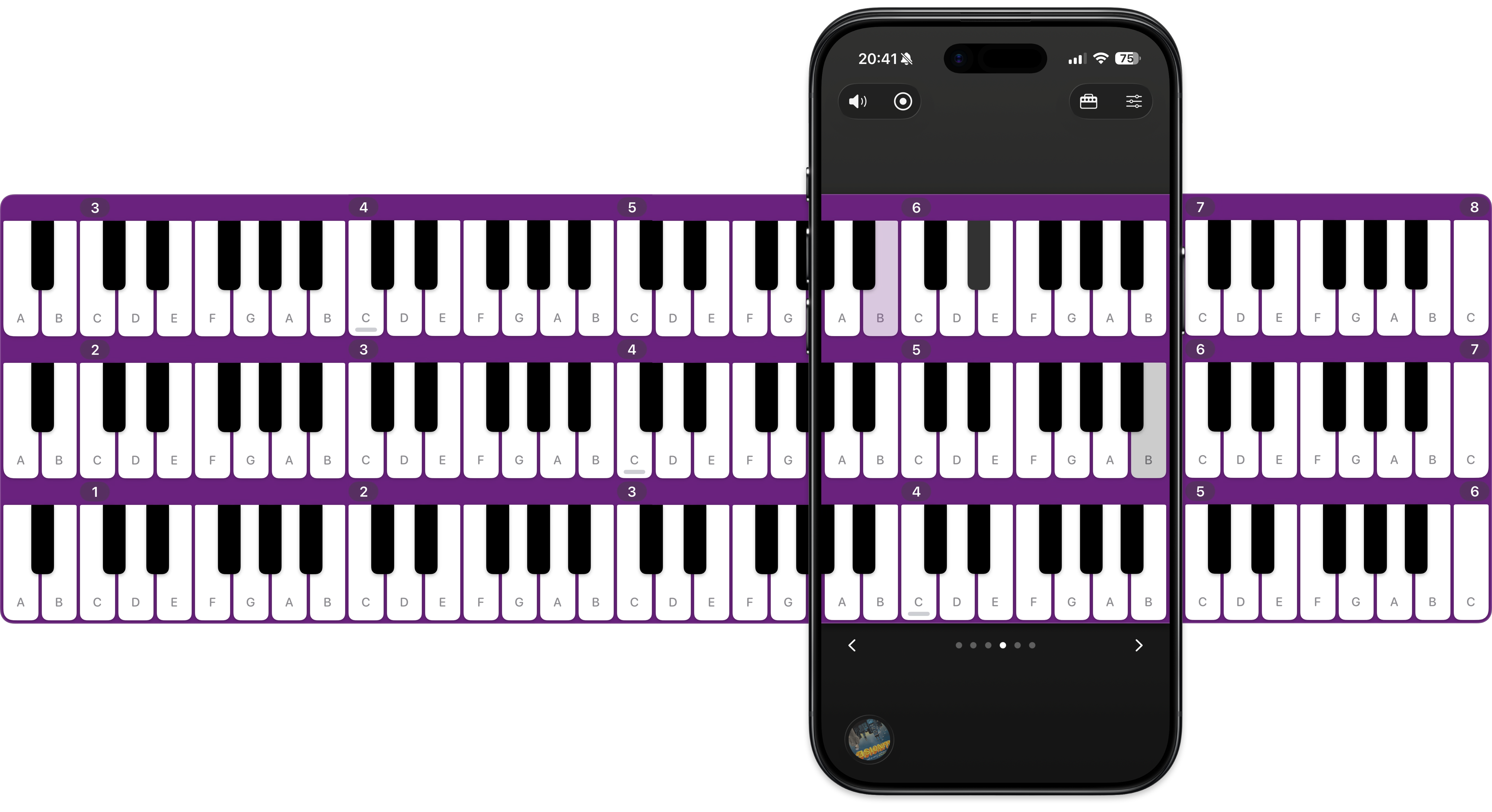
Drag the scrollbars to move the piano left and right.
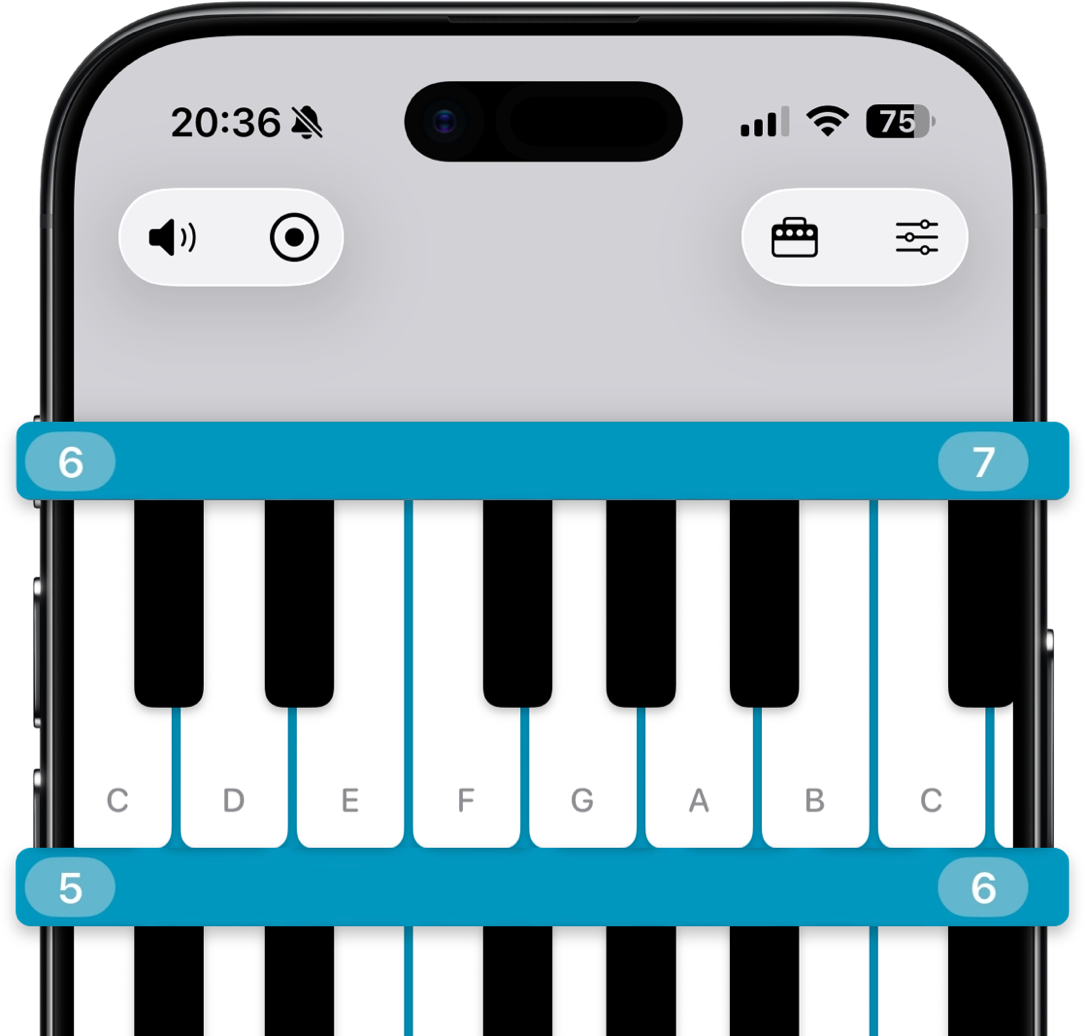
88 haptic, tappable, slideable keys.
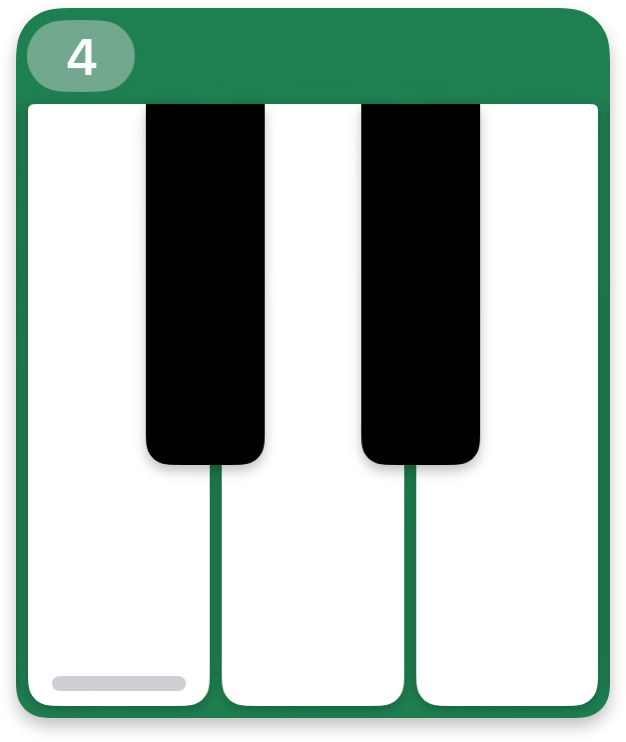
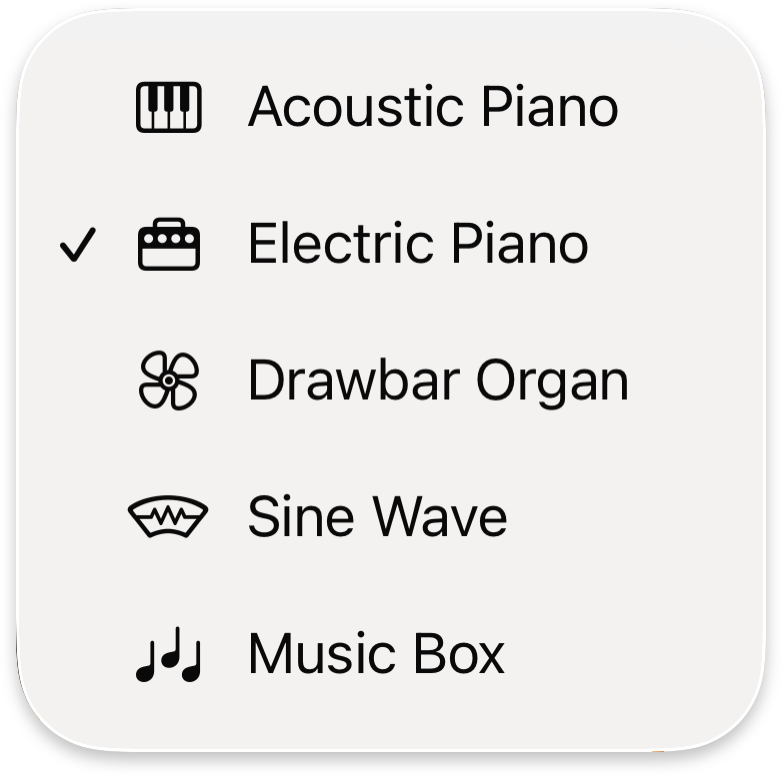
Five vibrant instrument sounds.
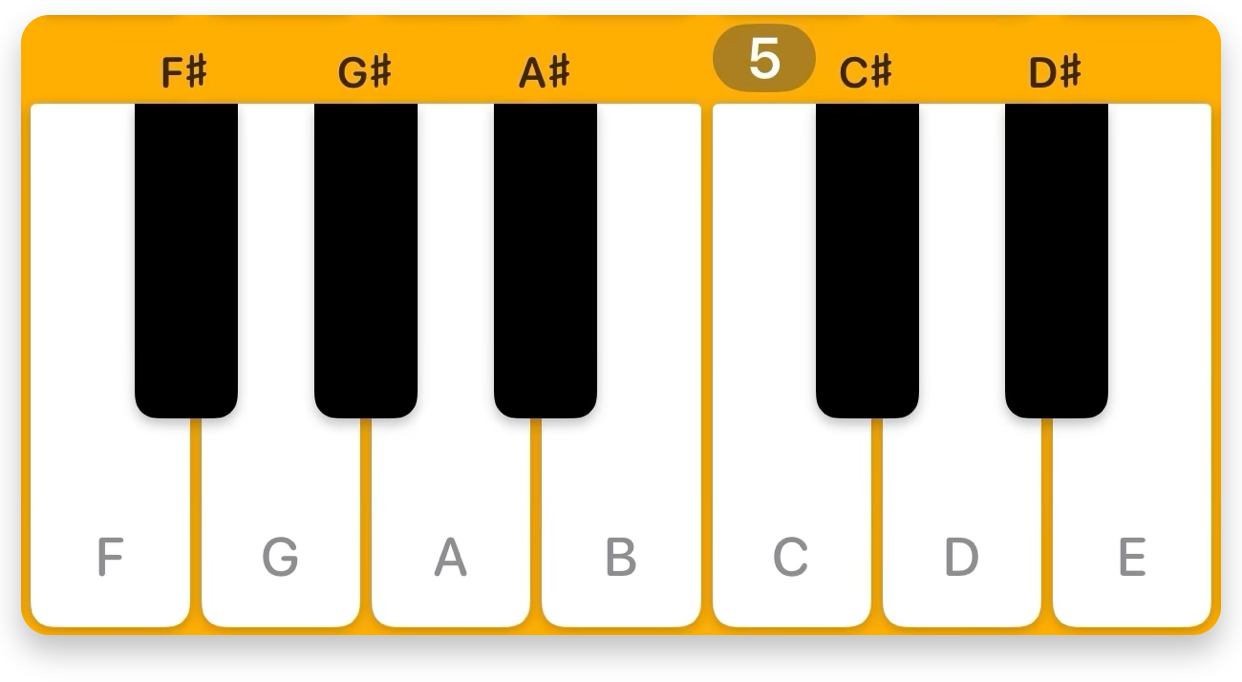
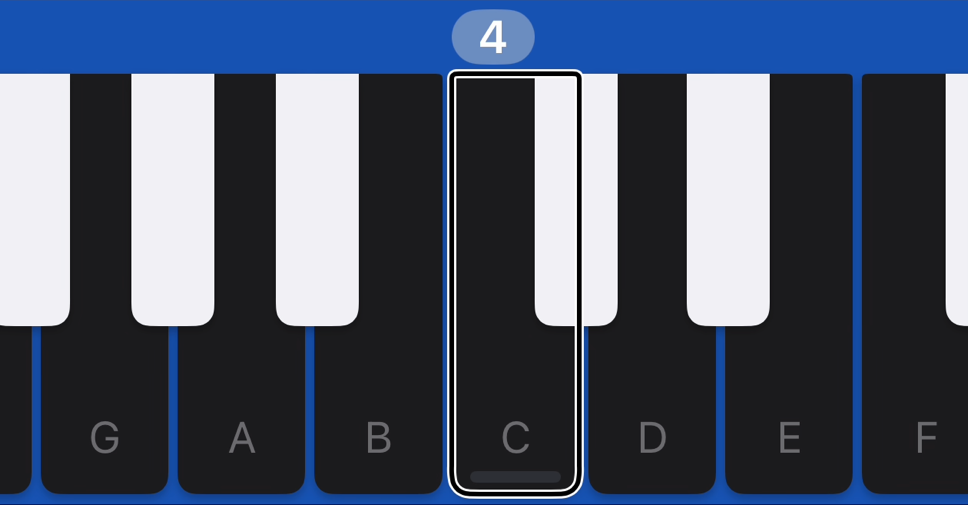
Sharp, flat, natural, or hidden key labels.
All your settings in one place.
Matching keys highlight across keyboards.
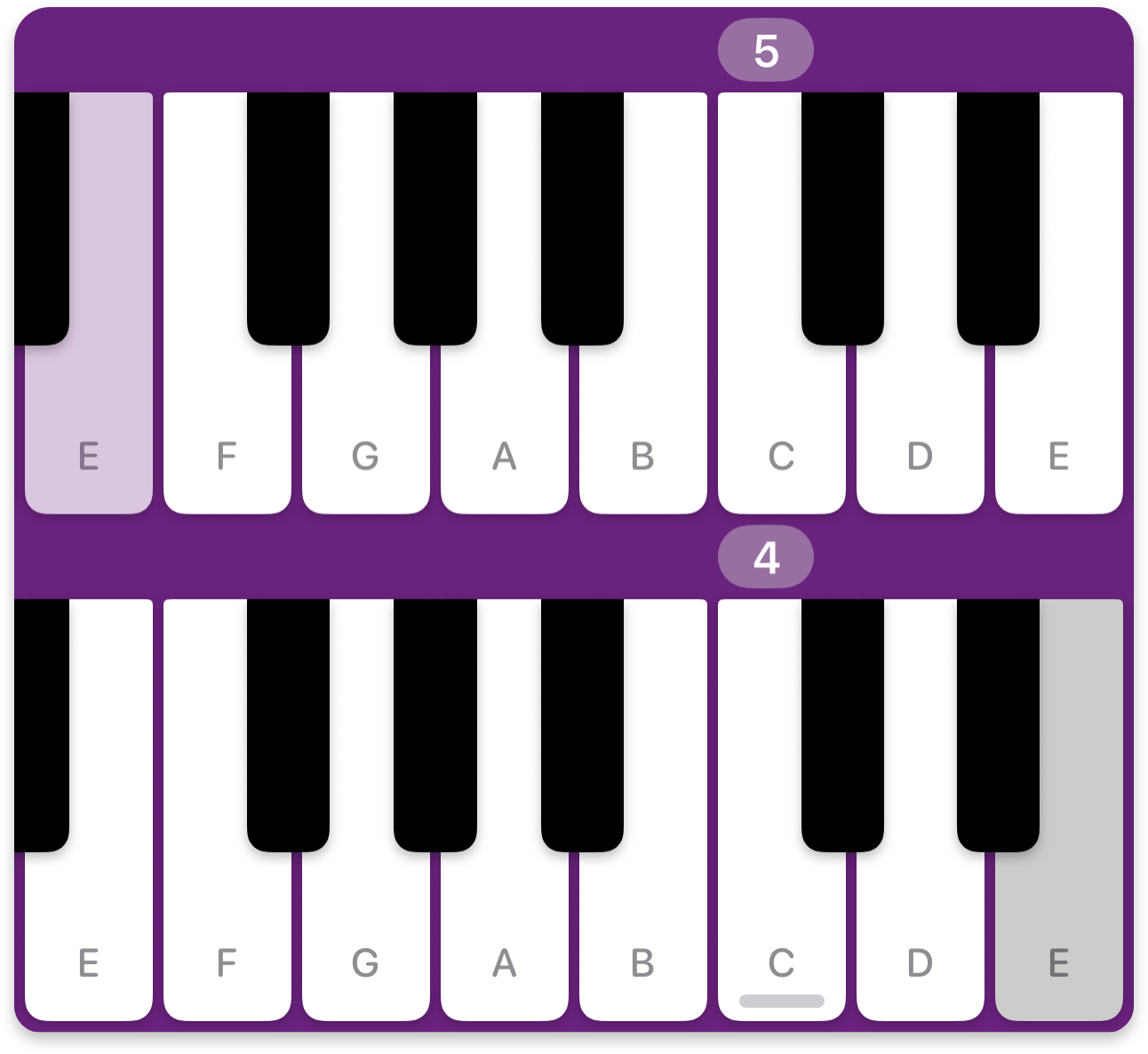
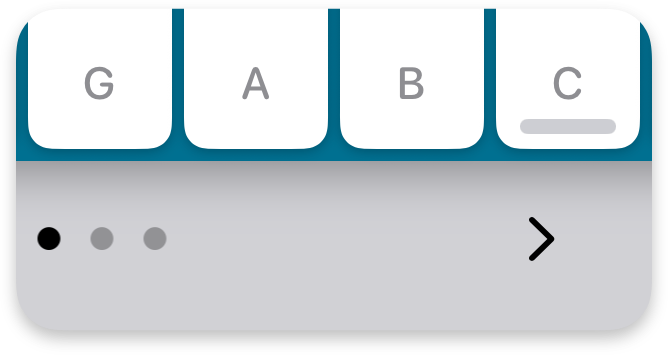
Jump 8 keys at a time with navigation controls.
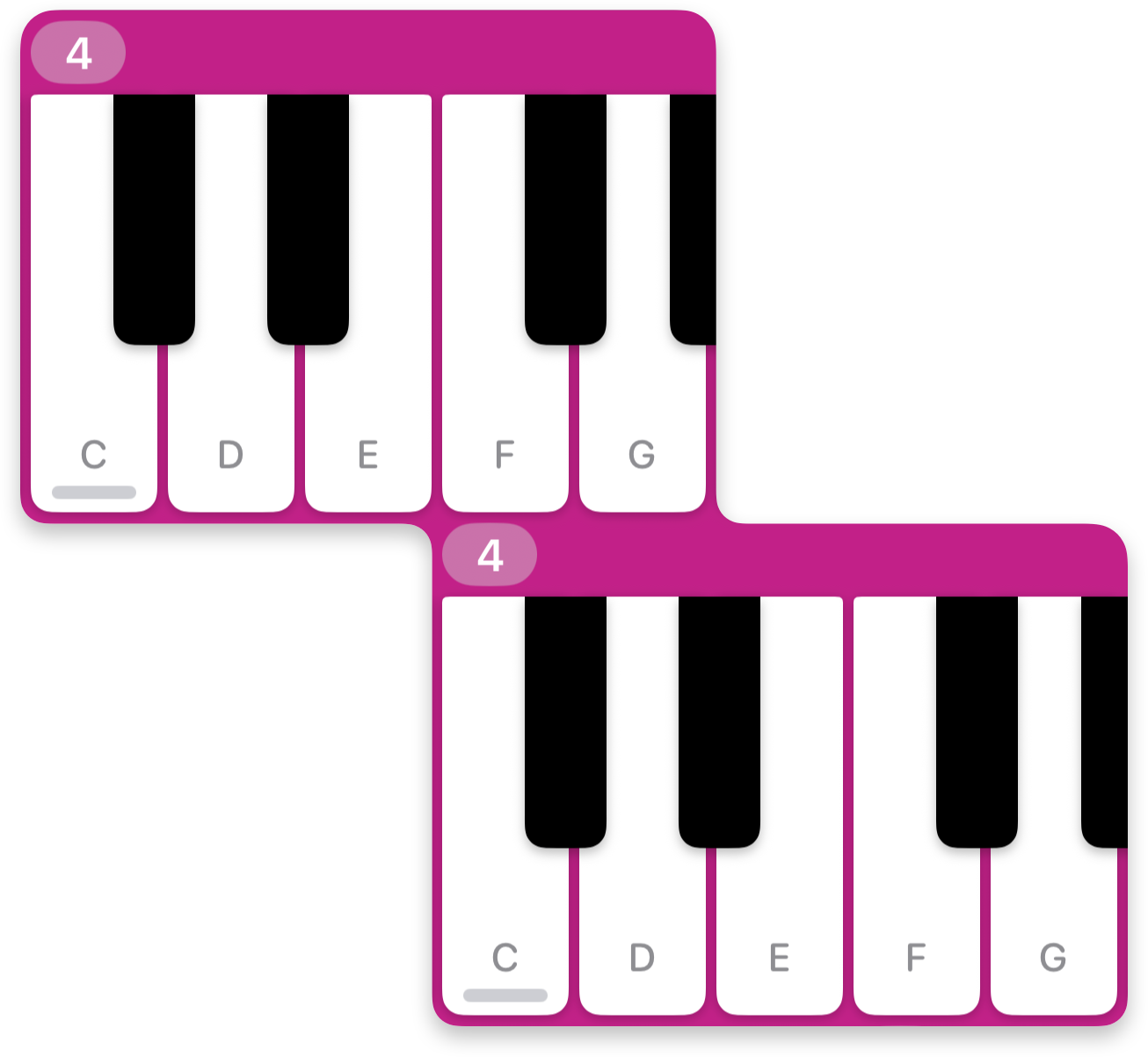
Compact alignment options for greater reachability.
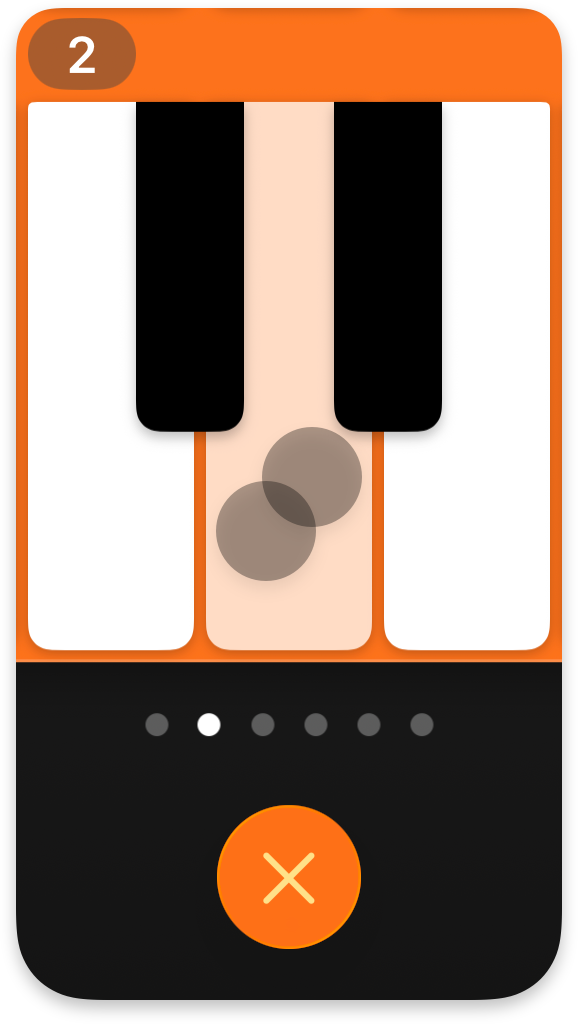
Two-finger-tap to sustain.
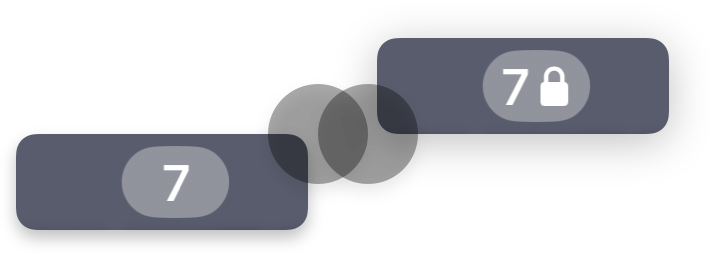
Double-tap the scrollbars for scroll lock.
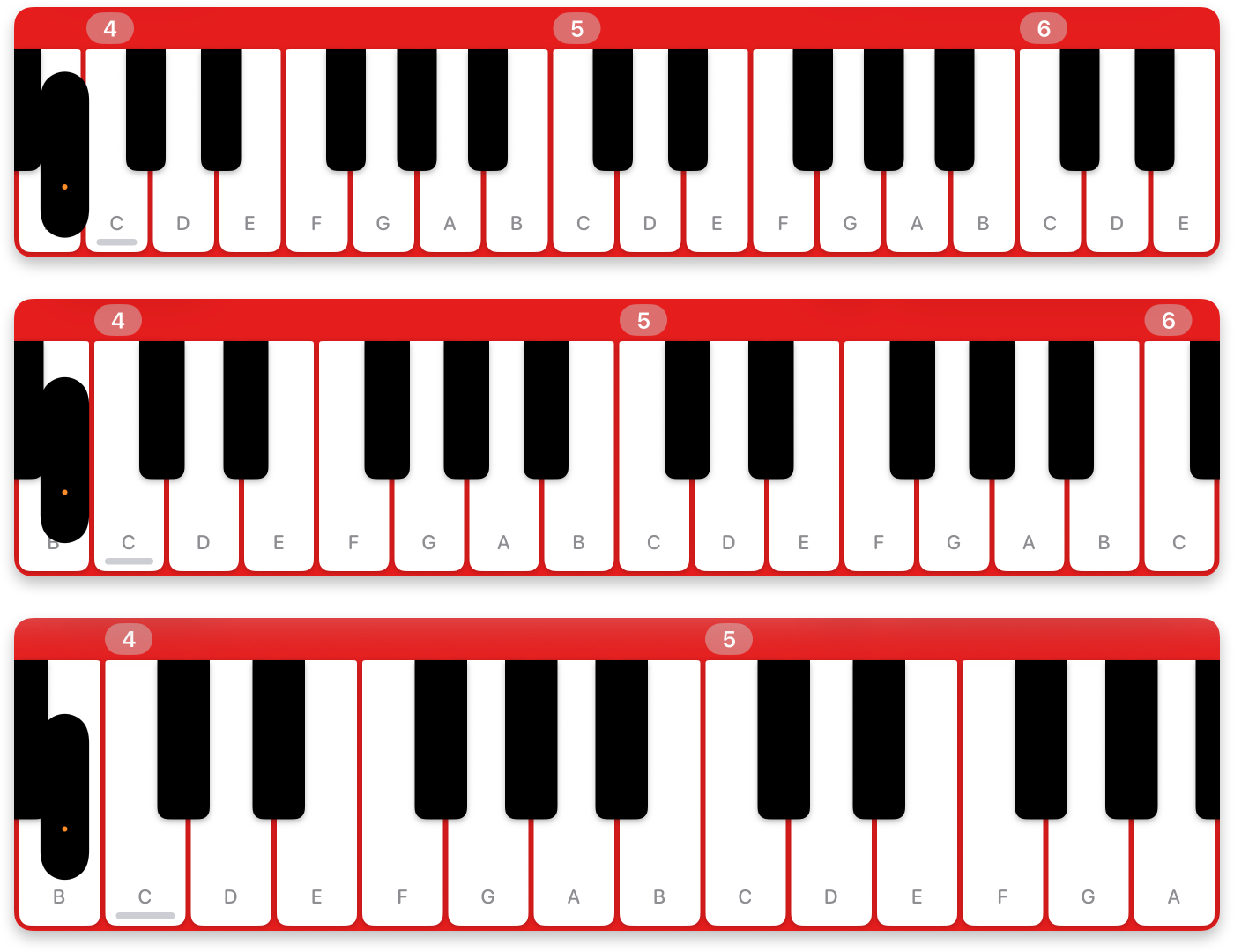
Small, medium, and large key sizes.
One-tap screen recording.

VoiceOver with spoken and musical feedback.
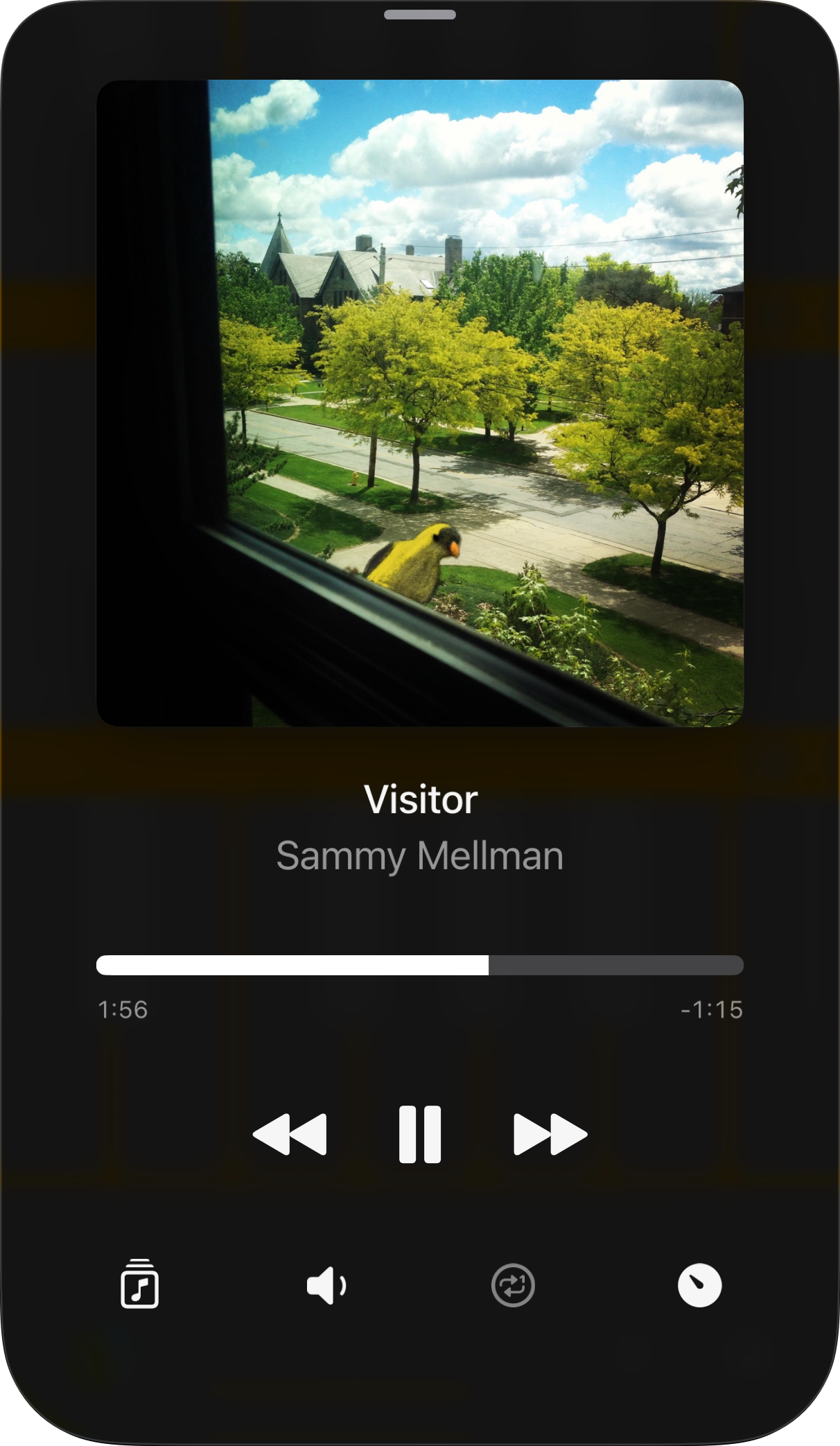
In-app music playback.
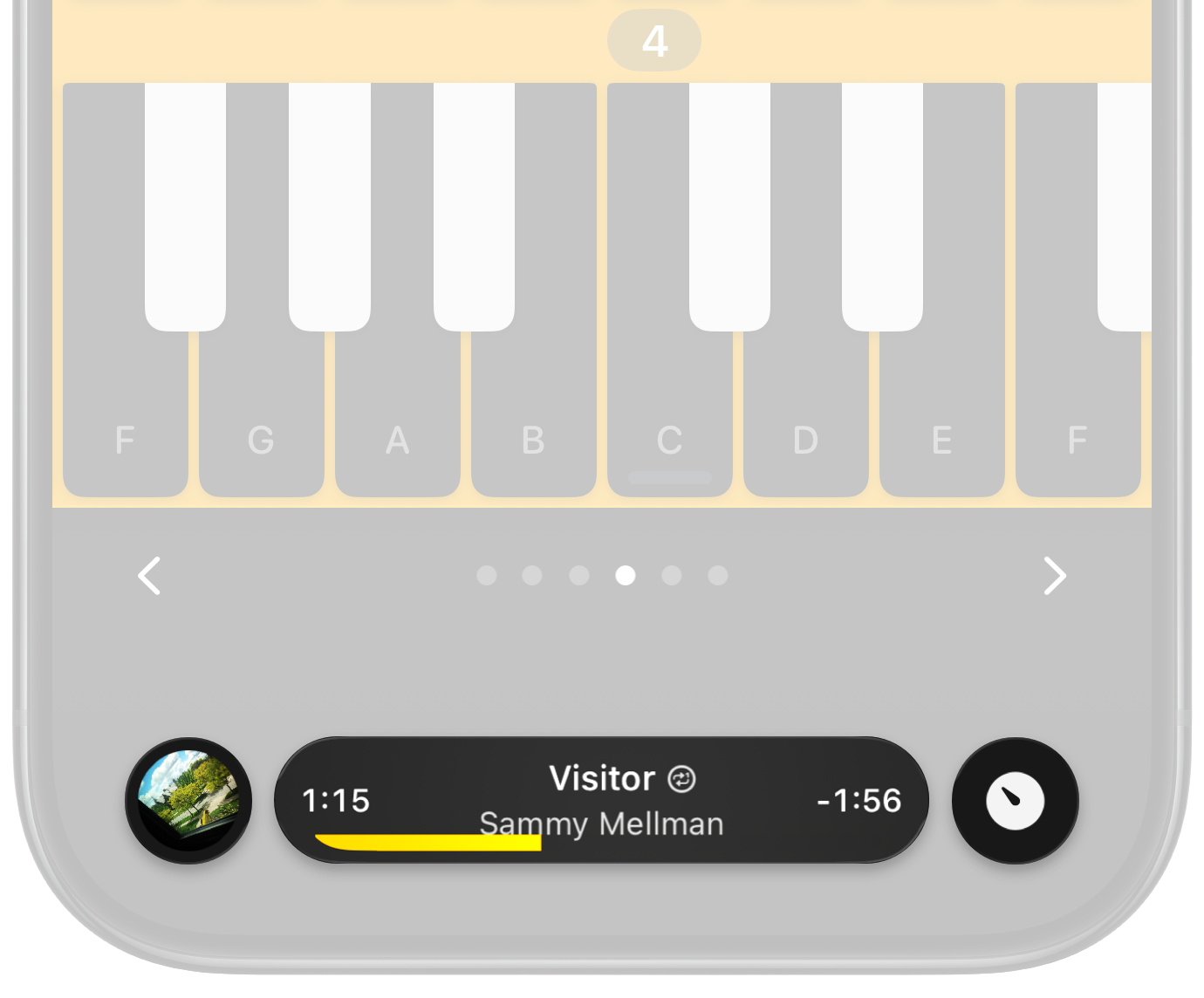
Control your music without leaving the keys.

Play, pause, slow, seek, skip, rewind — all from the compact miniplayer at the bottom of the screen. Perfect for learning songs by ear, or jamming along with your favorite tracks.
Precise Seeking
I Love a Piano's miniplayer makes it easy to scan through your music, with a vivid timeline bar, gentle haptics on every second, and album artwork that spins while your finger seeks.
Now Playing
Tap the album artwork or track title to open the Now Playing screen — your home for music playback and library access, with full-size album artwork and interactive overflowing titles.
88 keys. In your pocket.
$4. No ads. No subscriptions.