
Easy-to-play piano for iOS

Whether you're a musician, student, or just want to vibe with a keyboard, I Love a Piano will have you making music in no time. It's playful, capable, easy to use, and feels like an instrument—and it's good-looking, too.
Focus on the music; not how to make it.
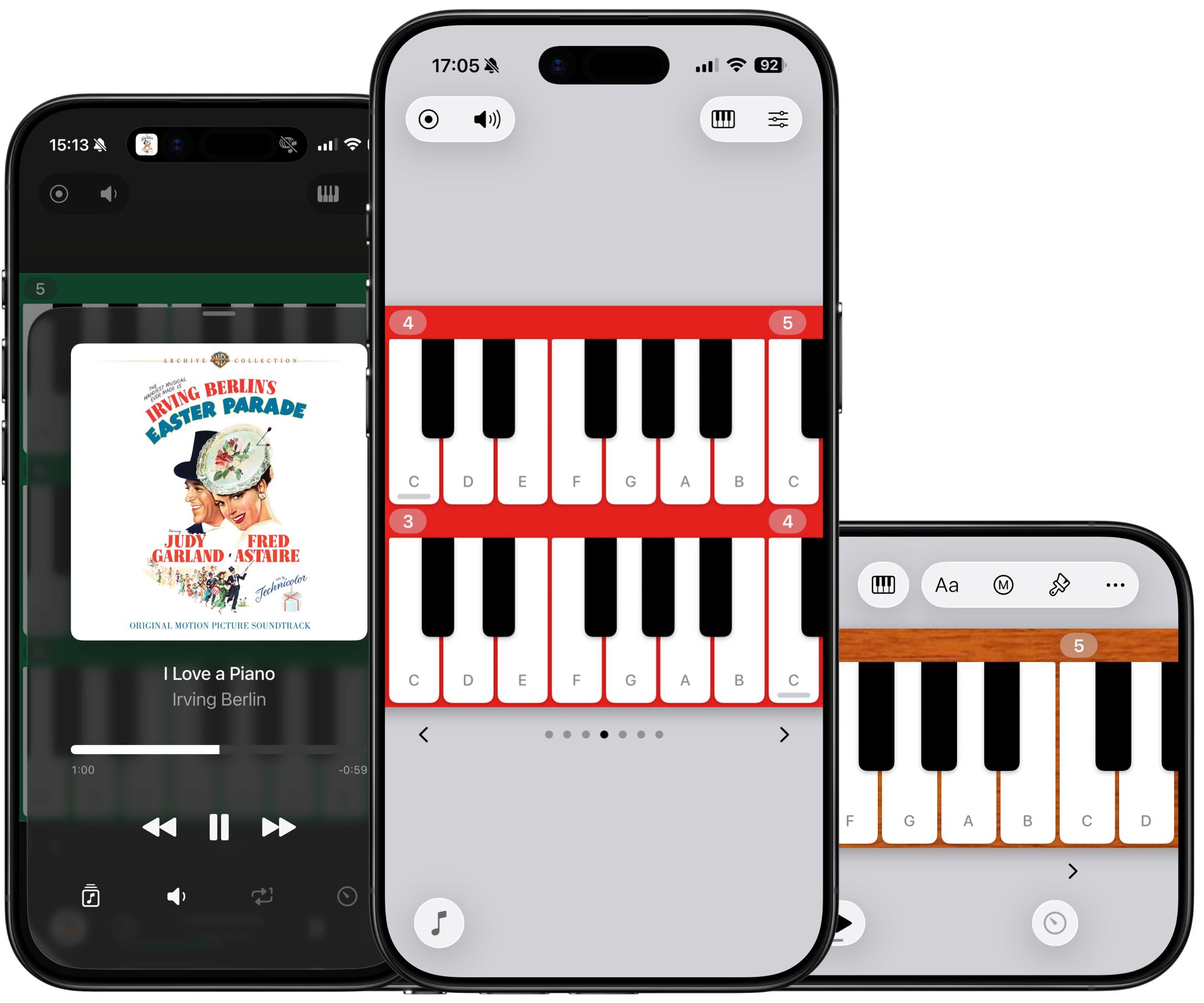
I Love a Piano incorporates all the things that make using your phone second-nature — haptics, ergonomics, scrolling, rotation — to create the most intuitive, best-feeling piano app experience.
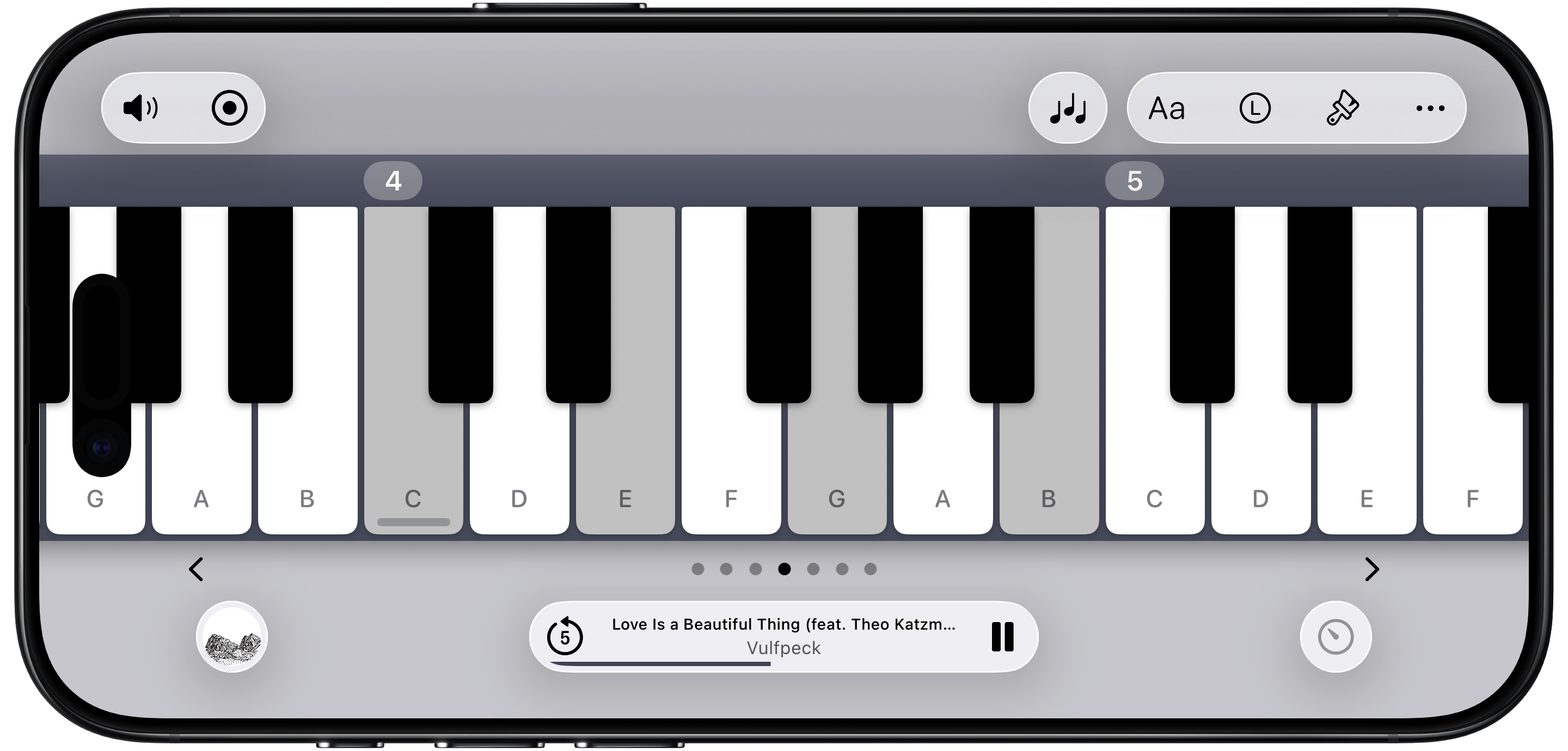
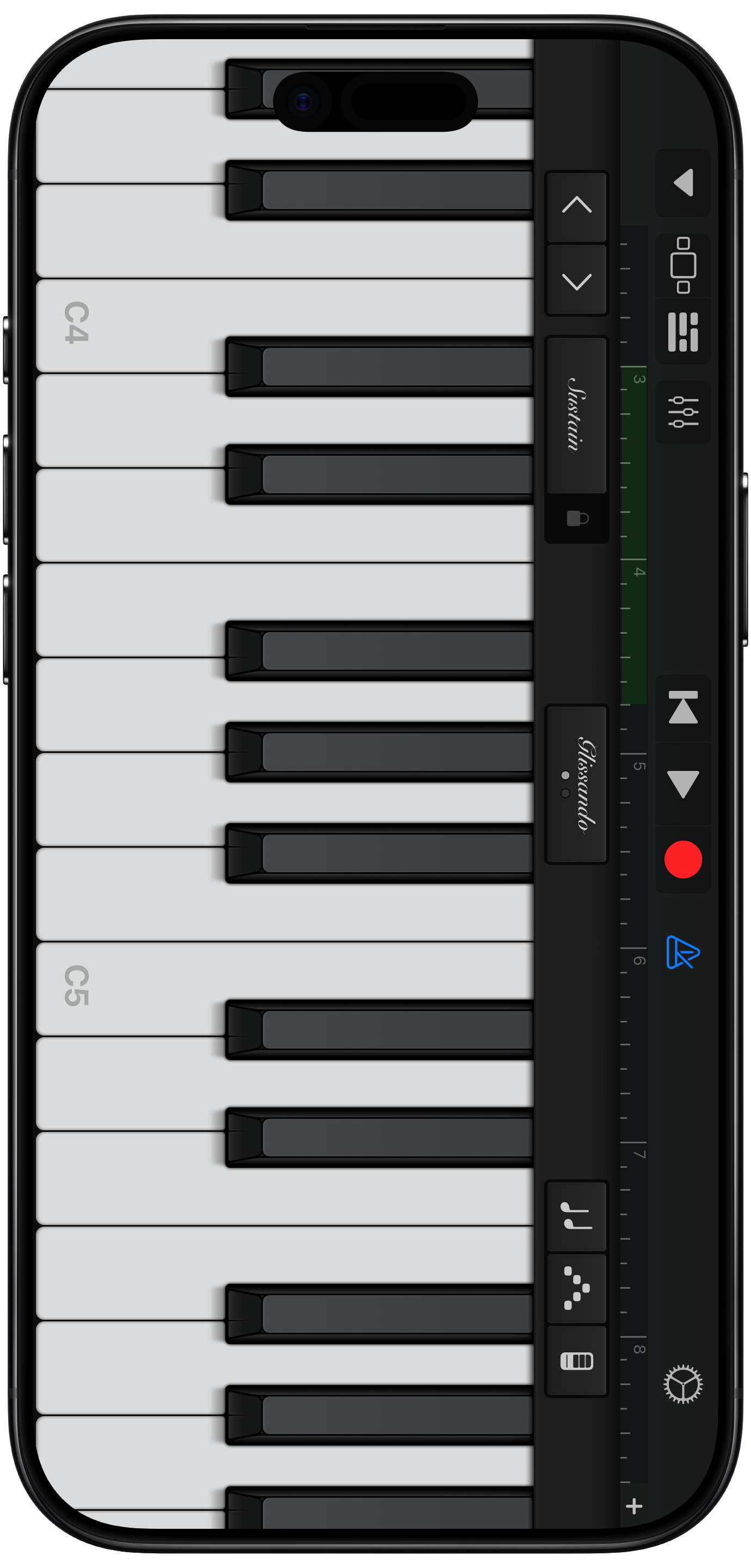
Seamless rotation.
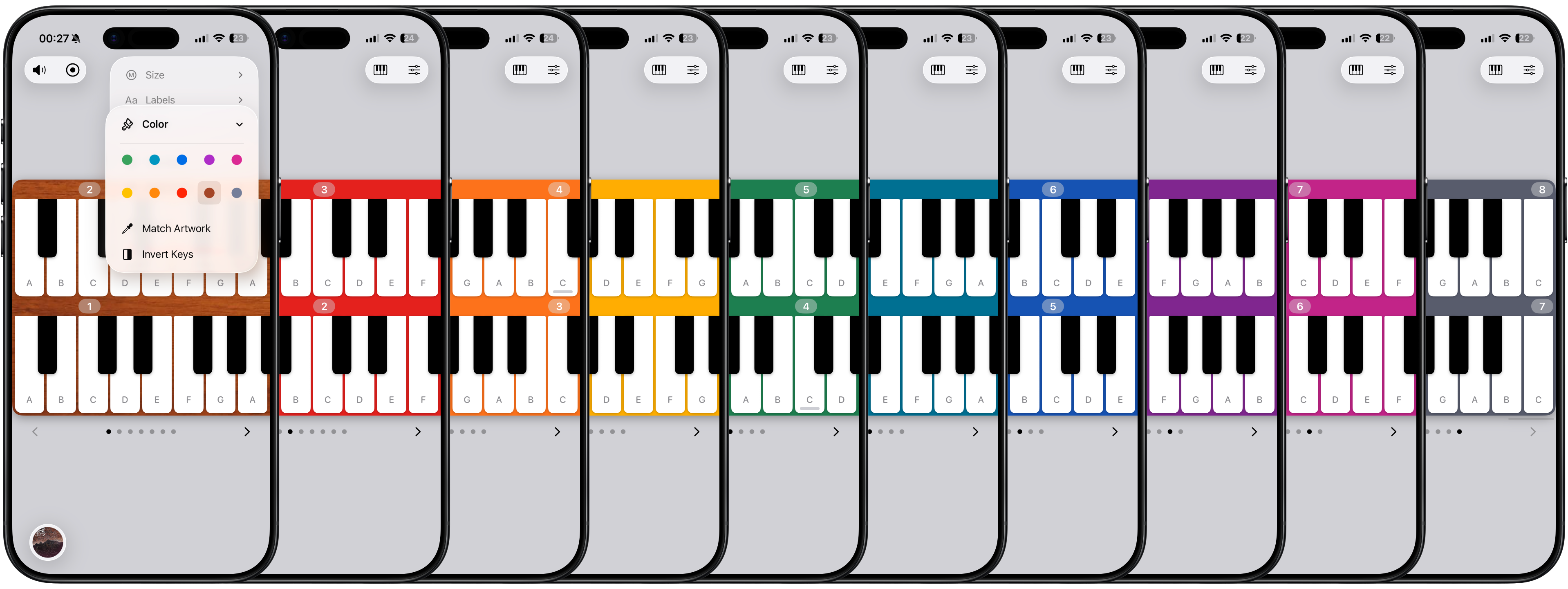
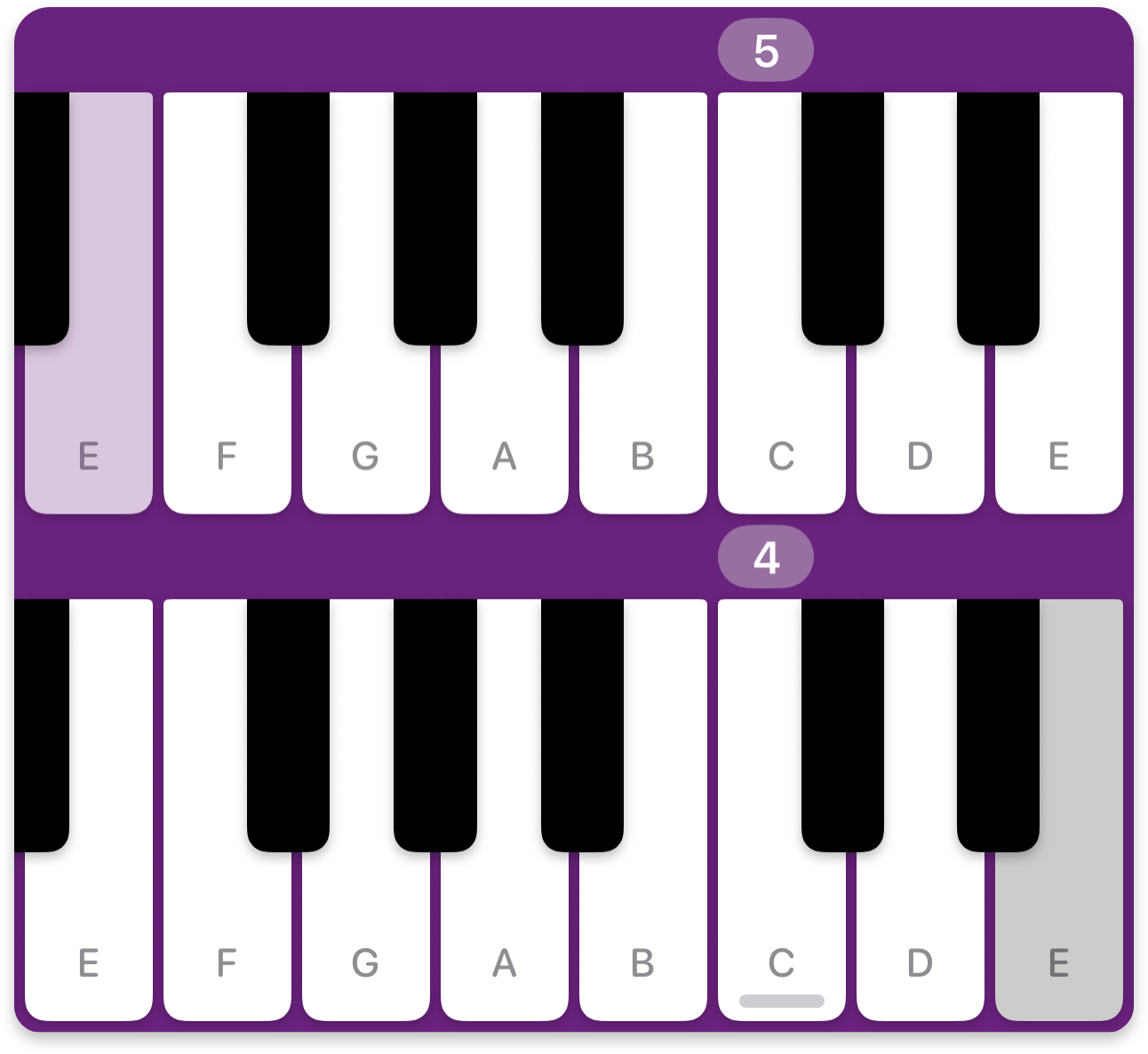
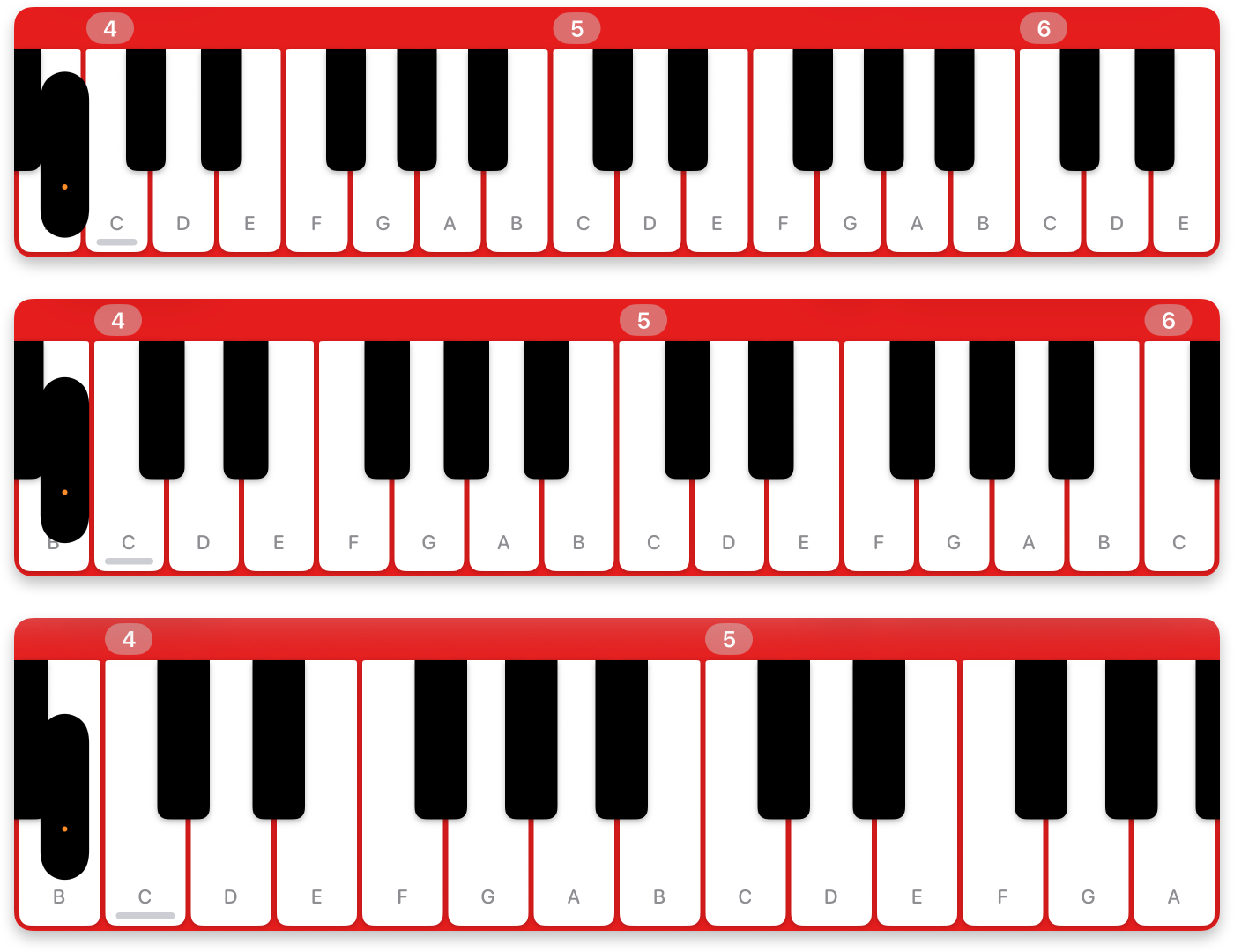
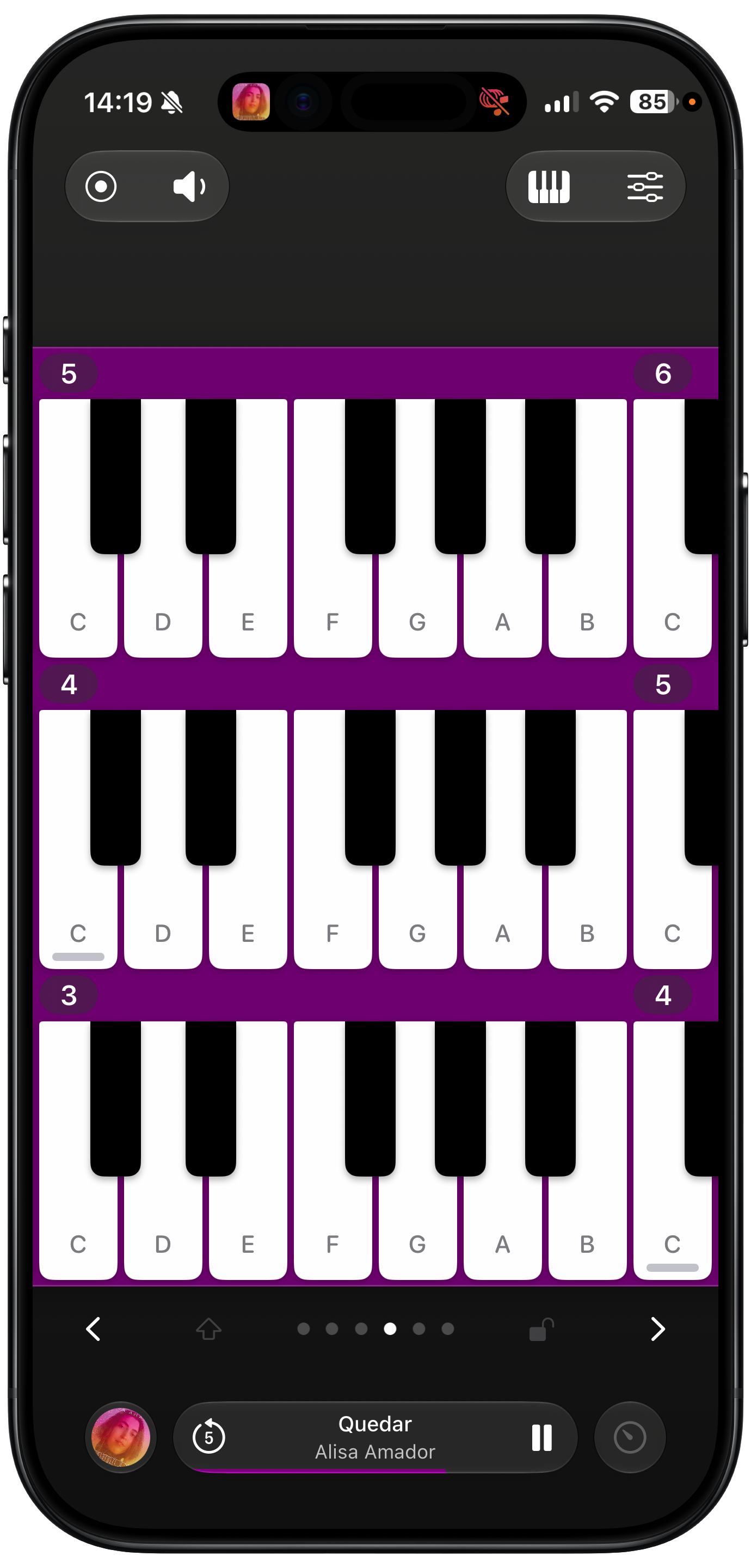
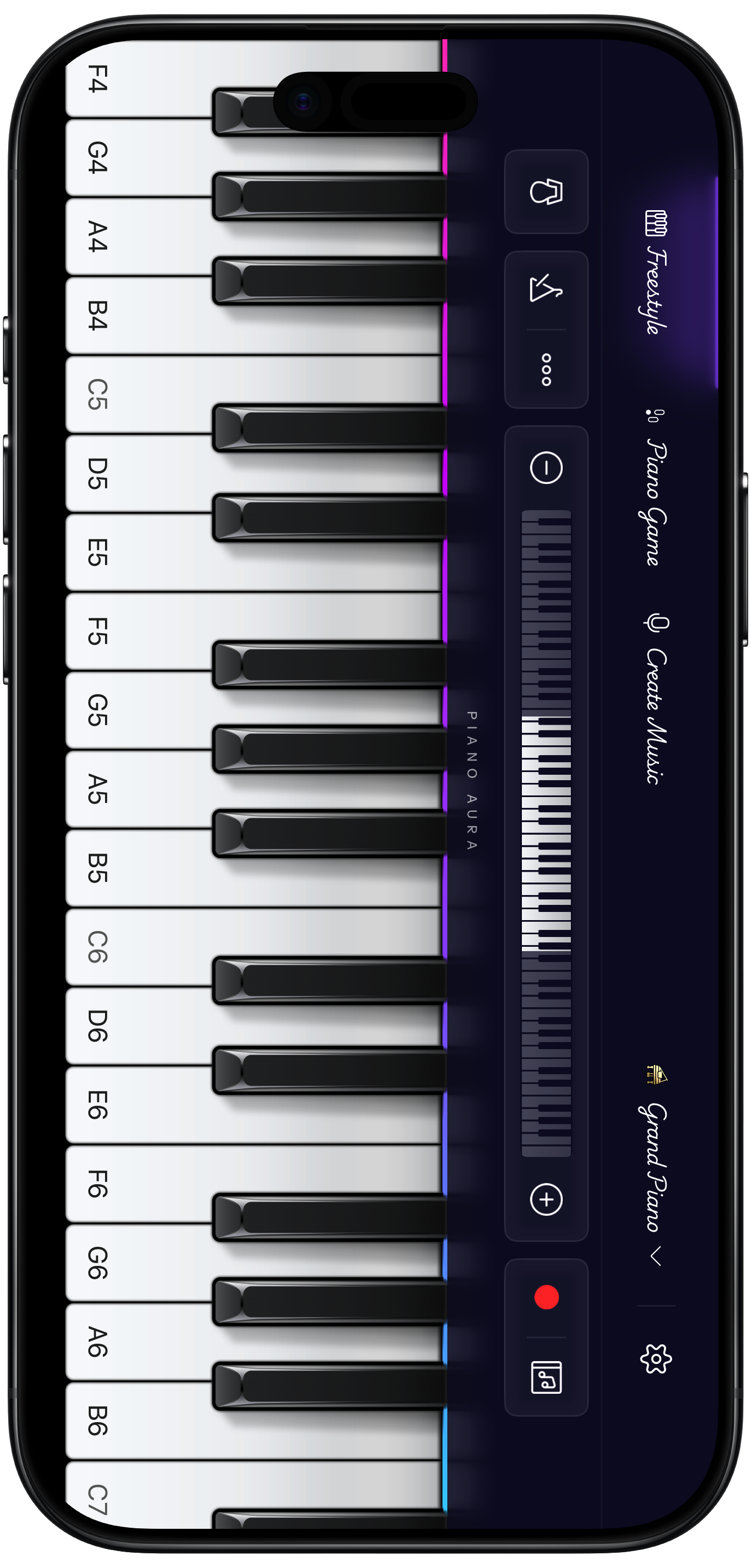
MultiPiano: a stack of continuous keyboards.
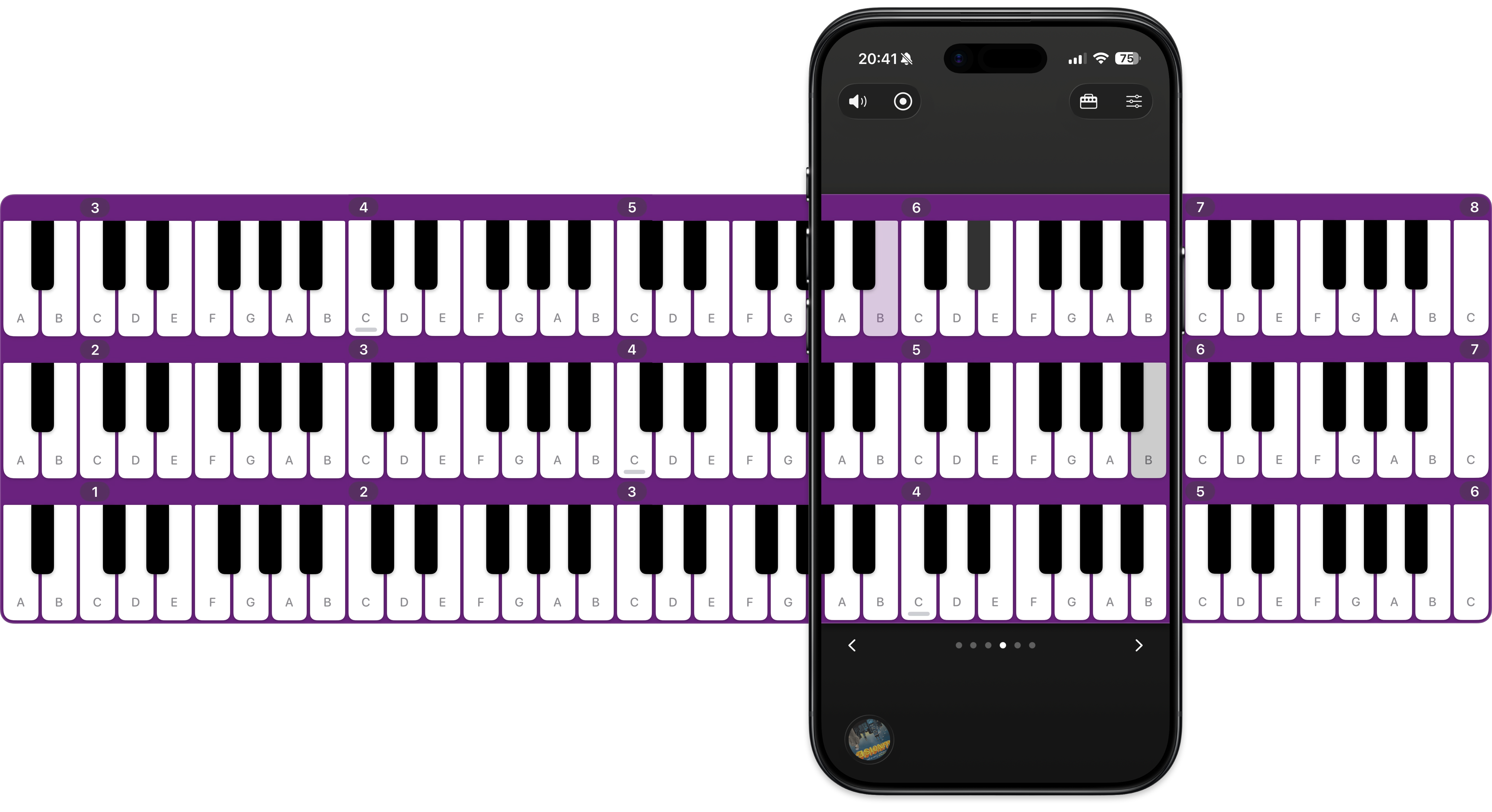
Drag the scrollbars to reposition the piano.
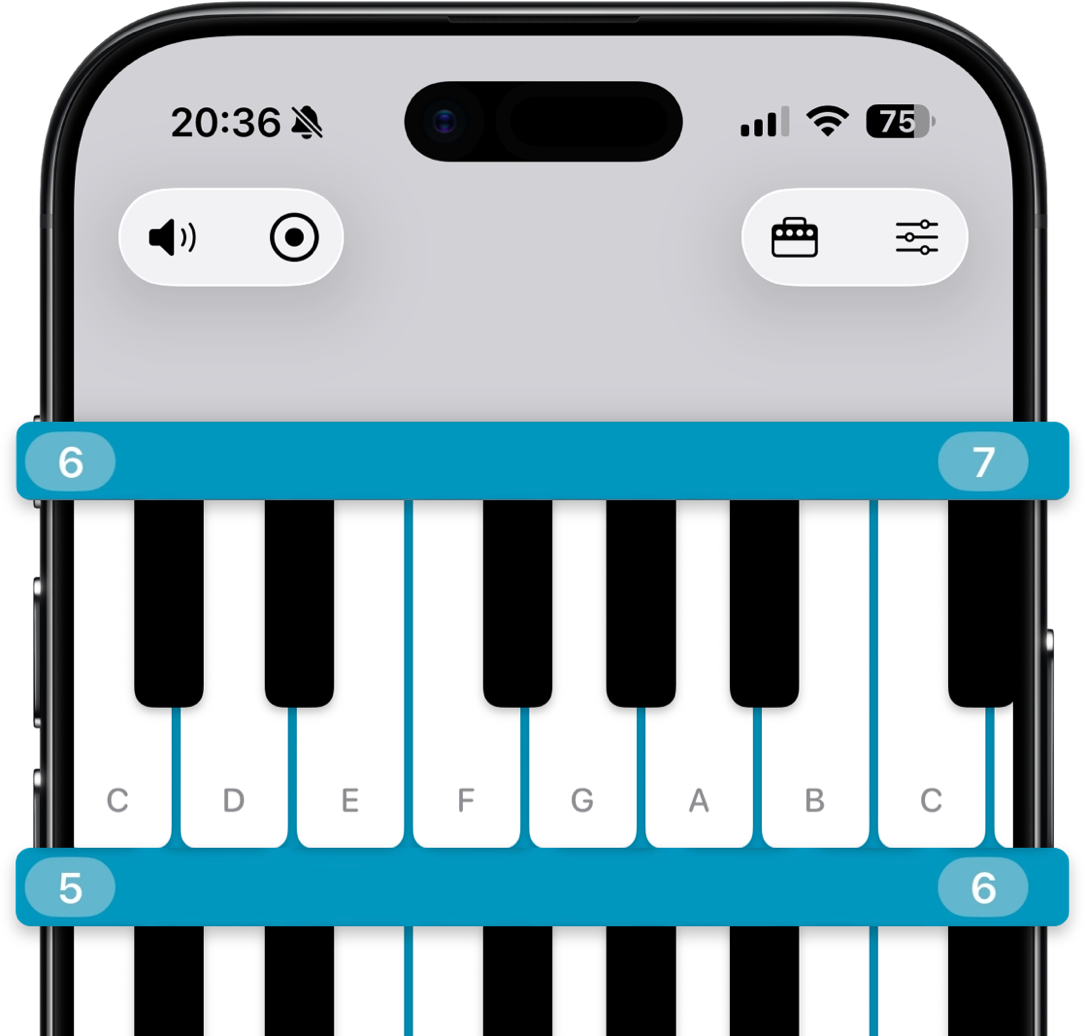
88 haptic keys.
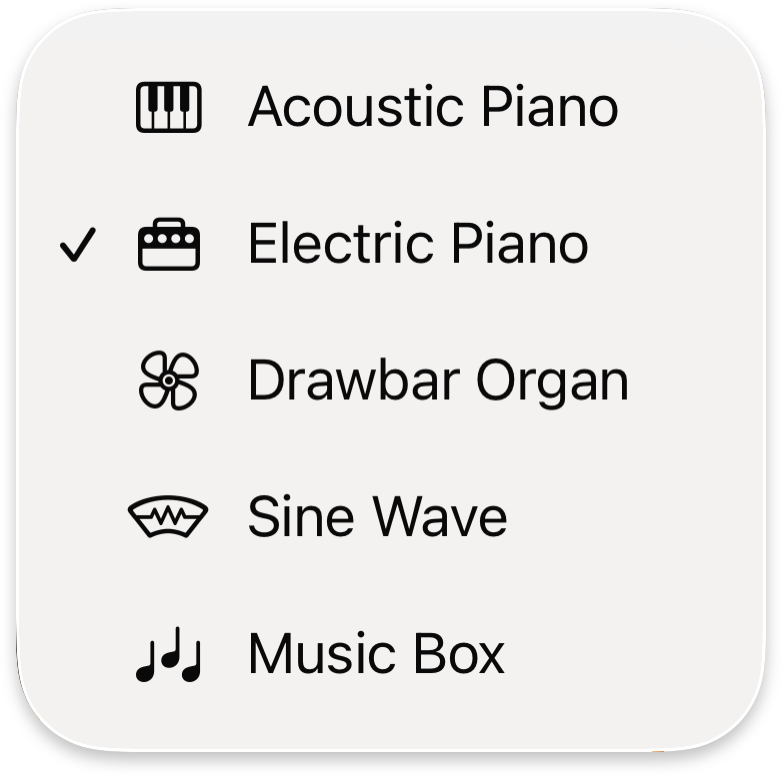
Five vibrant instrument sounds.
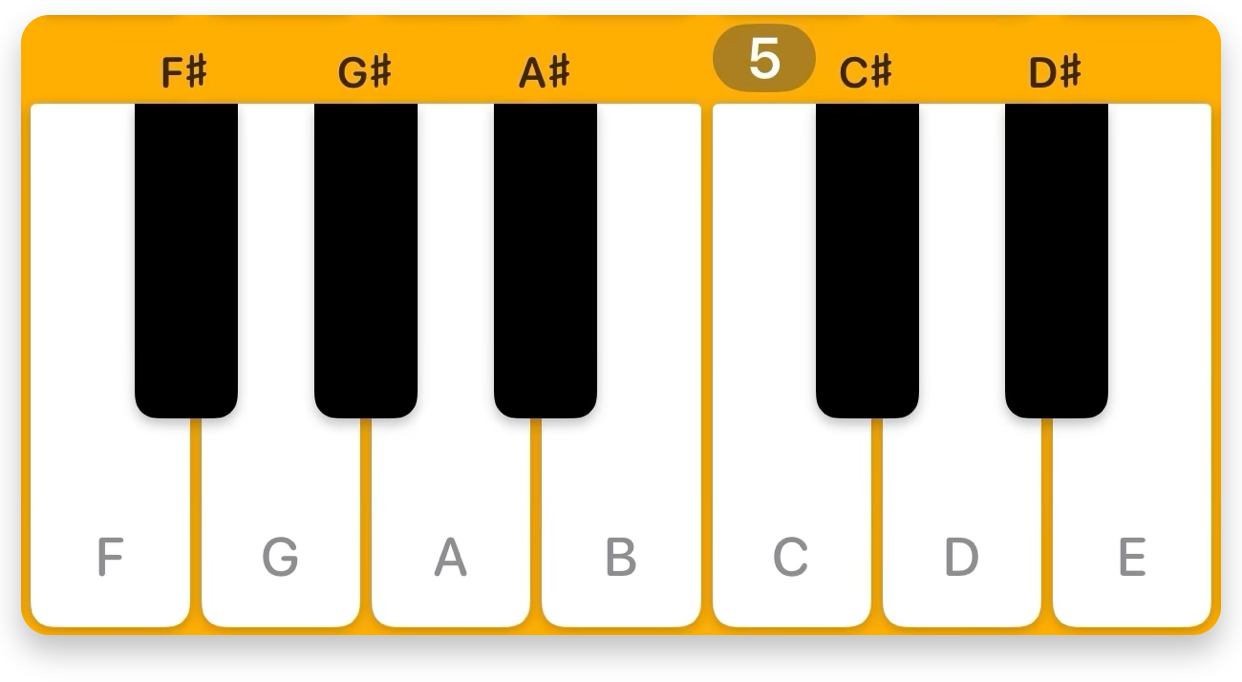
Optional labels for sharps, flats, or naturals.
All your settings in one place.
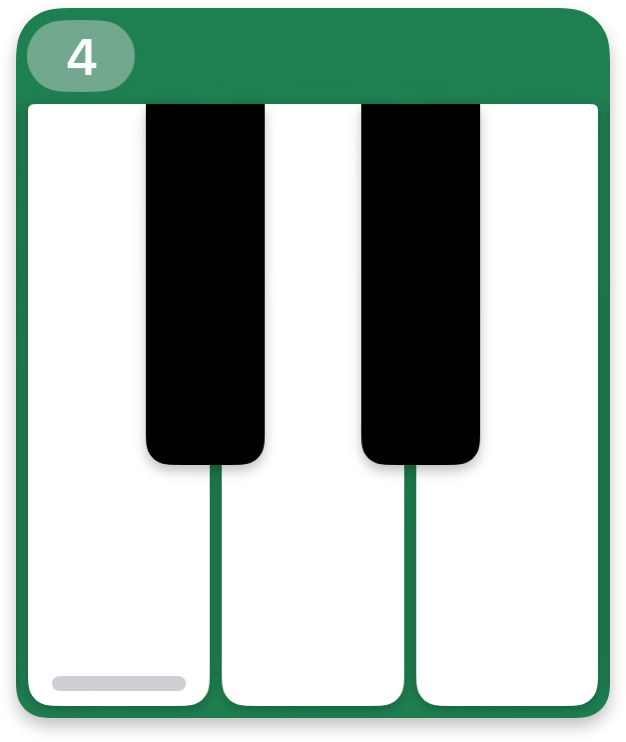
Matching keys highlight across keyboards.
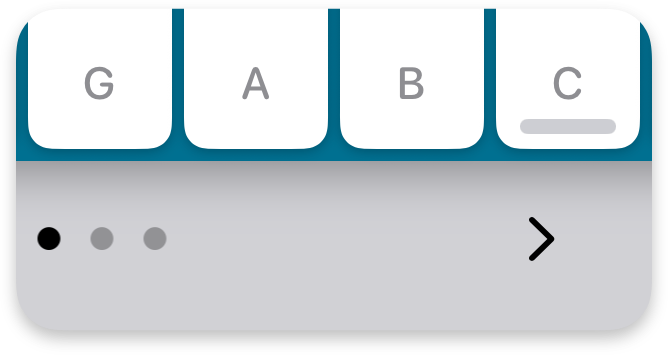
Jump 8 keys at a time with the navigation row.
Small, medium, and large key sizes.
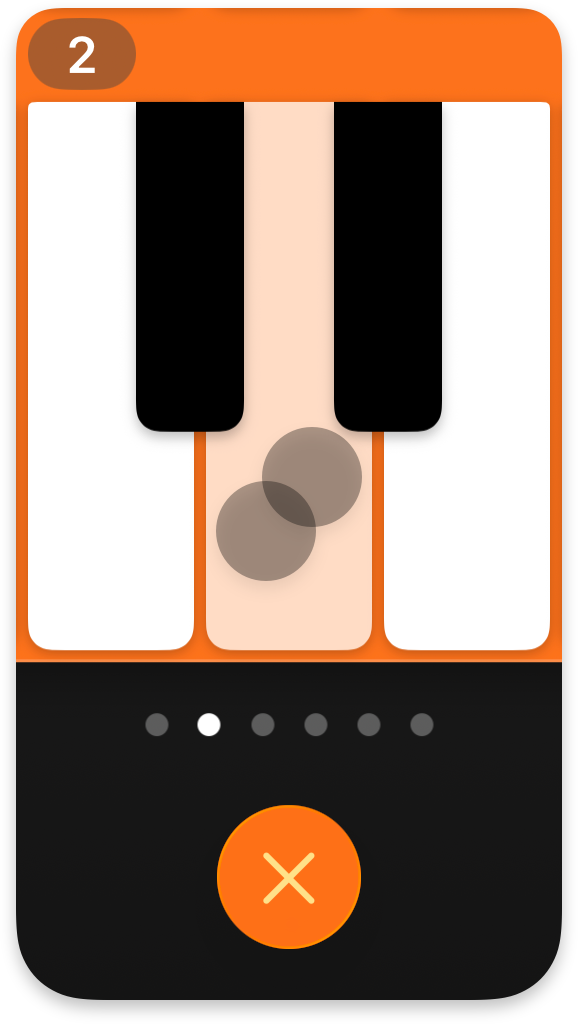
Two-finger-tap to sustain.
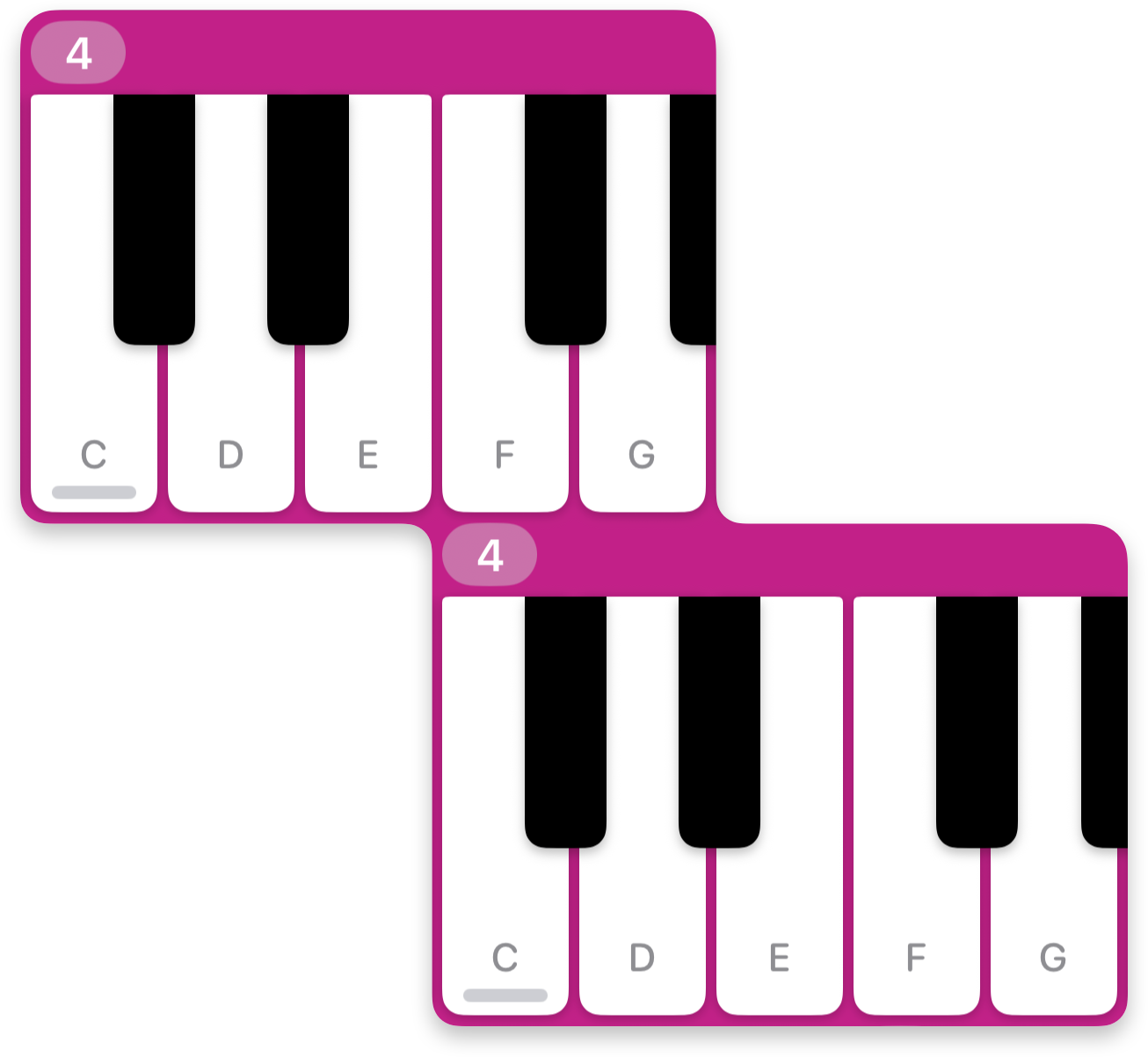
Compact alignment options for greater reachability.
One-tap screen recording.

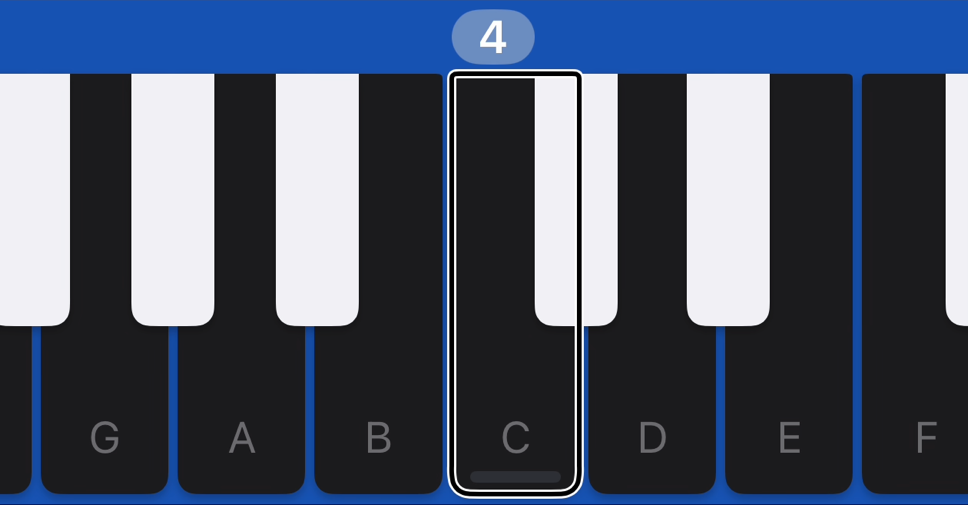
VoiceOver with spoken and musical feedback.
In-app music playback.
Control your music without leaving the keys.

Play, pause, slow, seek, skip, rewind — all from the compact miniplayer at the bottom of the screen. Perfect for learning songs by ear, or jamming along with your favorite tracks.
Precise Seeking
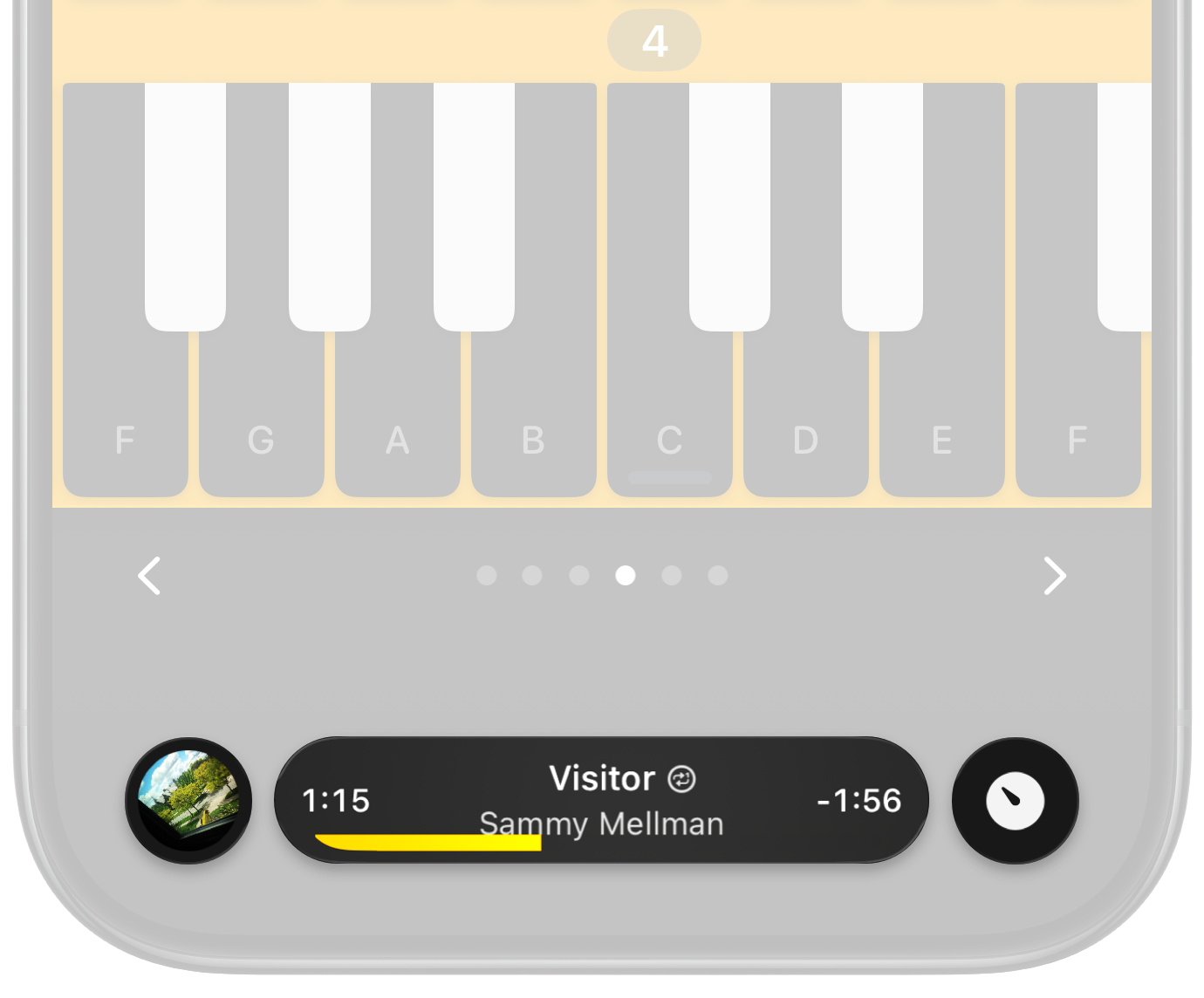
I Love a Piano's miniplayer makes it easy to scan through your music, with a vivid timeline bar, gentle haptics on every second, and album artwork that spins while your finger seeks.
Now Playing
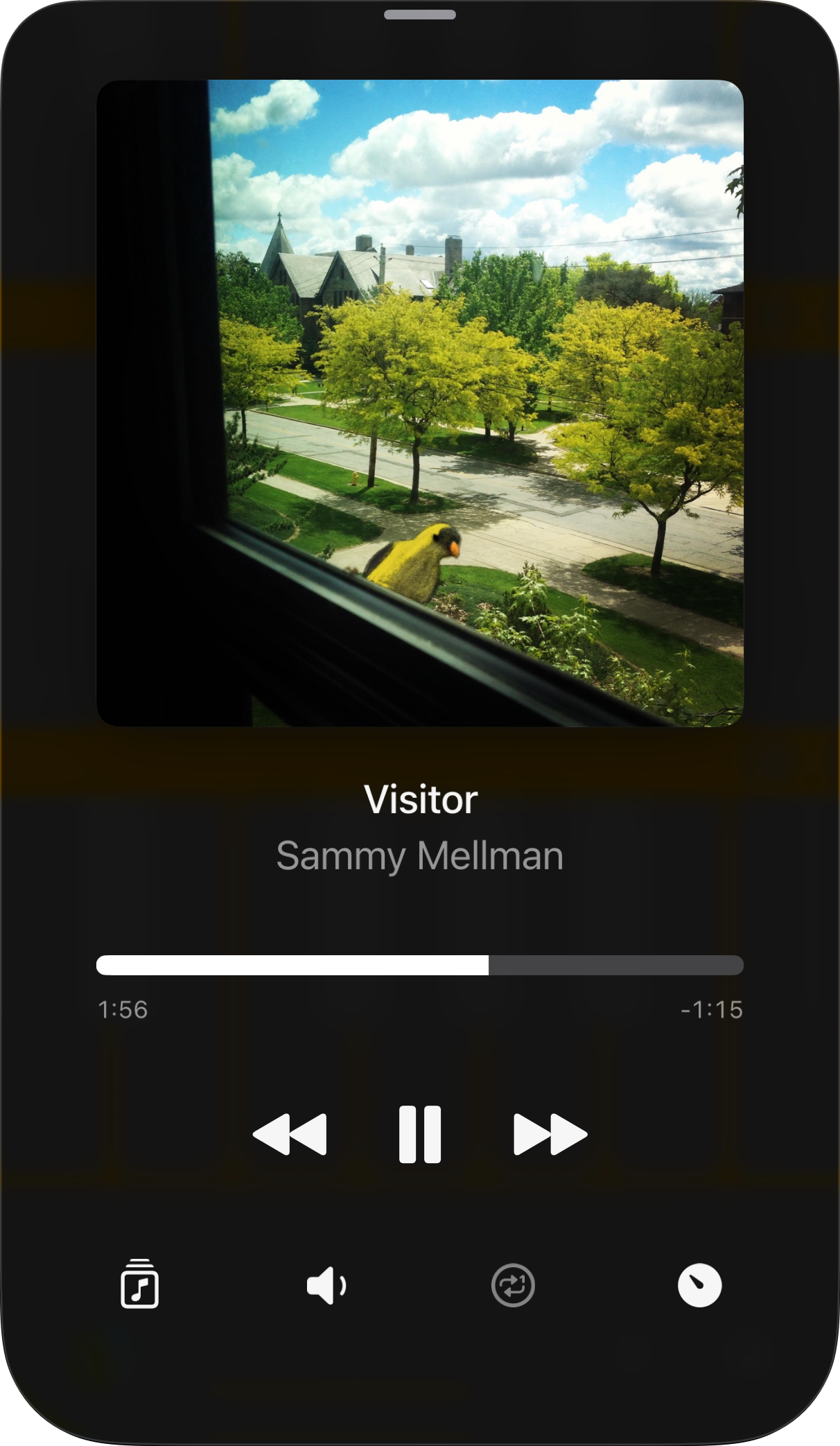
Tap the album artwork or track title to open the Now Playing screen — your home for music playback and library access, with full-size album artwork and interactive overflowing titles.
“I do love a piano, and was so sick of using Pianist for years. This one is great.”
~ Adam Lisagor
“This is the best piano app I've ever used — the interface of sliding around — it's super happy.”
~ MacGeekGab
“It sounds good, it's easy to use, it looks great, and it's priced right. Absolutely the best app of its kind that I've seen!”
~ Sam Kusnetz, App Store Review
“I really do feel the keyboard.”
~ MacVoices
How does I Love a Piano stack up against the competition?
88 keys. In your pocket.